
youtube / available
Milo J on Bob Dylan and Raw Emotion | Driven to Dig
Uploaded by Discogs
Unidentified upload
Uploaded by Discogs. Identification candidates are research leads, not confirmed recording metadata.
YouTube playback is for listening and research only. A public upload does not authorize sampling or production use; producers must obtain audio and permissions separately.
These values are unconfirmed candidates, not established artist or release facts.
No identification candidates were parsed from this upload.
No track timestamps were parsed from this upload.
Unidentified upload. No recording candidate has been established.
No external evidence is attached to these candidates.
No genre, region, or texture suggestions are attached.
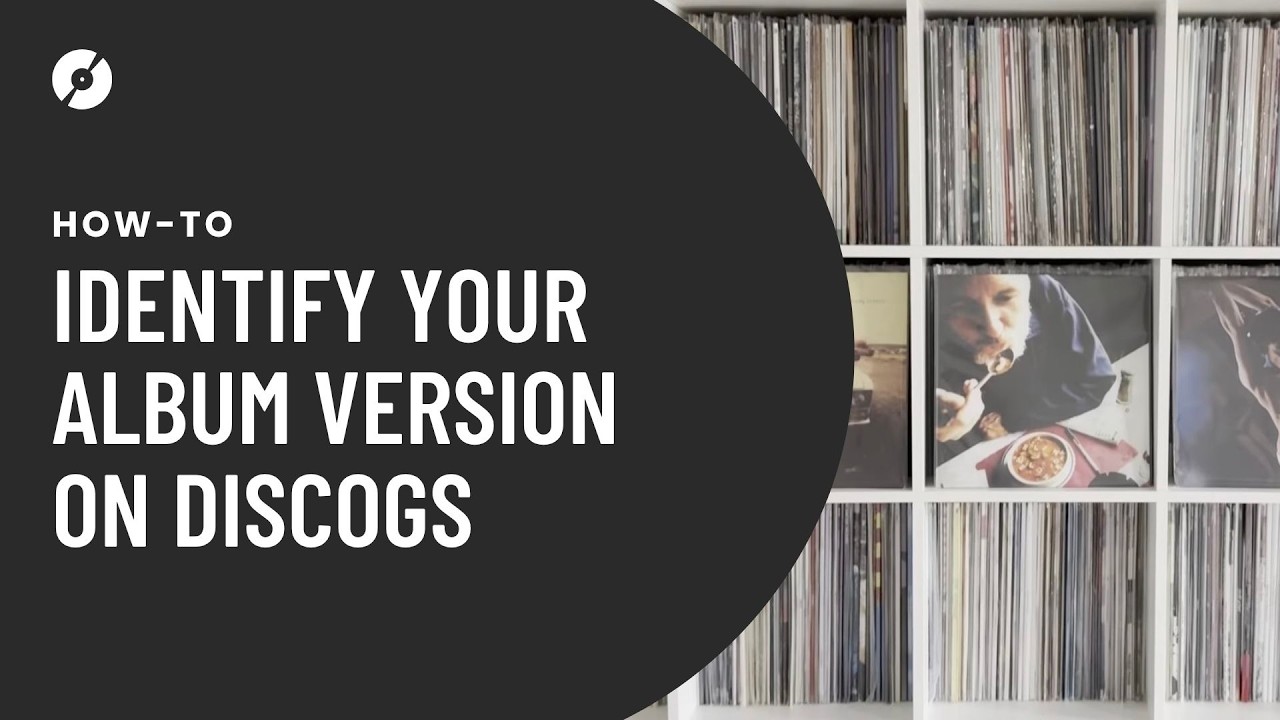
So you’ve bought a record and want to add it to your Collection on Discogs? Sounds simple enough, right? Not if there are close to 1,500 versions of the album you just bought (which is the case with Pink Floyd’s ‘Dark Side of The Moon’). Fortunately, Discogs can help you easily identify any version of an album, without doing detective-level research. In this video, we’ll show you how to identify the exact version of an album you own using Discogs. Learn how to spot key details like catalog numbers, matrix/runout info, barcode variations, and pressing info to match your record to the right release. Whether you’re cataloging your collection or checking value, this guide makes it easy. Want to use the Collection tool? Sign up today: https://login.discogs.com/ Master Releases vs. Versions: A Master Release gathers two or more matching releases together under a parent category. Items with the same title, tracklist, and artwork, but released on different labels or formats, to distinguish between different pressings, reissues, formats. A version is the specific release you have of that master release, which can also differ by pressing, color, and format. All versions of an album can be found under a Master Release URL. 00:32 Discogs Organization Terminology: Master Releases, Versions, Artist 02:30 How To Add A Release From Your Order Page To Your Collection 03:00 What To Look For On A Record 04:00 Adding Items From Your Mobile Device 04:55 Hot Tip: Filter By Format First 08:33 Adding Items From Your Computer 09:50 Hot Tip: Filter By Stereo vs. Mono 11:30 Further Digging Using Runout/Dead Wax 12:00 Finding Your Pressing/Adding To Collection SUBSCRIBE: youtube.com/discogs Check us on Social @Discogs: Follow Discogs on Instagram: https://www.instagram.com/discogs Follow Discogs on X: https://twitter.com/discogs Follow Discogs on Facebook: https://www.facebook.com/discogs Follow Discogs on TikTok: https://www.tiktok.com/@discogs Follow Discogs on Bluesky: https://bsky.app/profile/discogsofficial.bsky.social Thanks for watching! #vinyl #vinylrecords #vinylcollection
Uploaded by Discogs
Unidentified upload
Uploaded by Discogs
Unidentified upload
Uploaded by Discogs
Unidentified upload
Uploaded by Discogs
BluesUnidentified upload
Uploaded by Discogs
Unidentified upload
Uploaded by Discogs
Unidentified upload
Uploaded by Discogs
Unidentified upload
Uploaded by Discogs
Unidentified upload